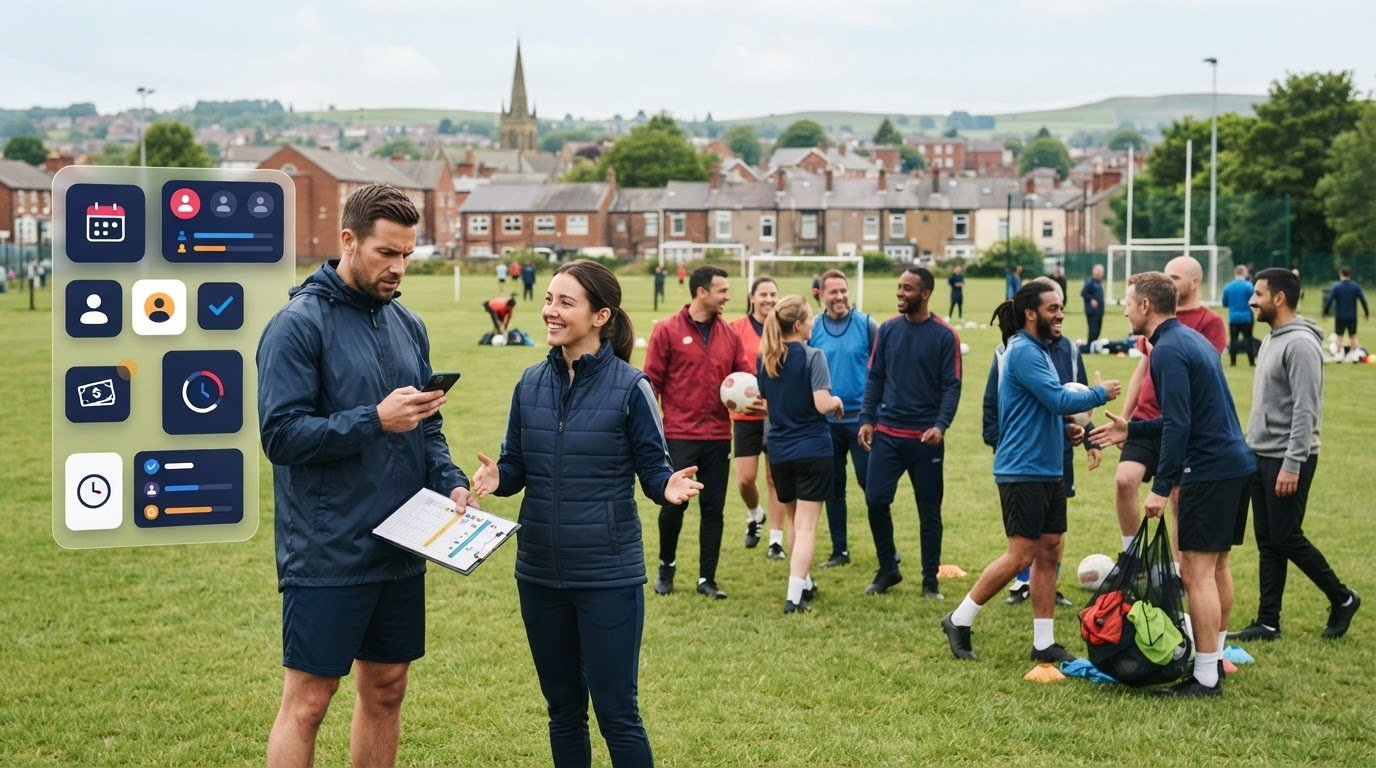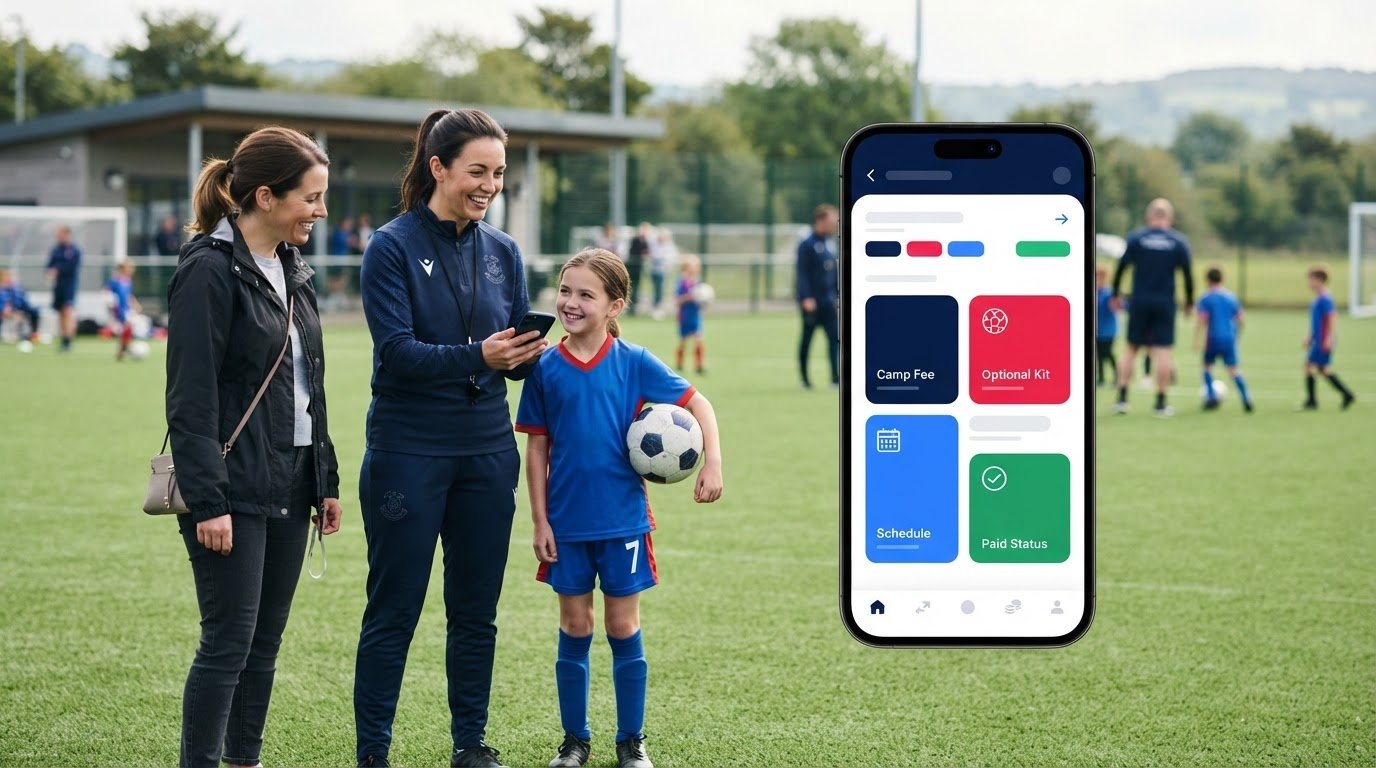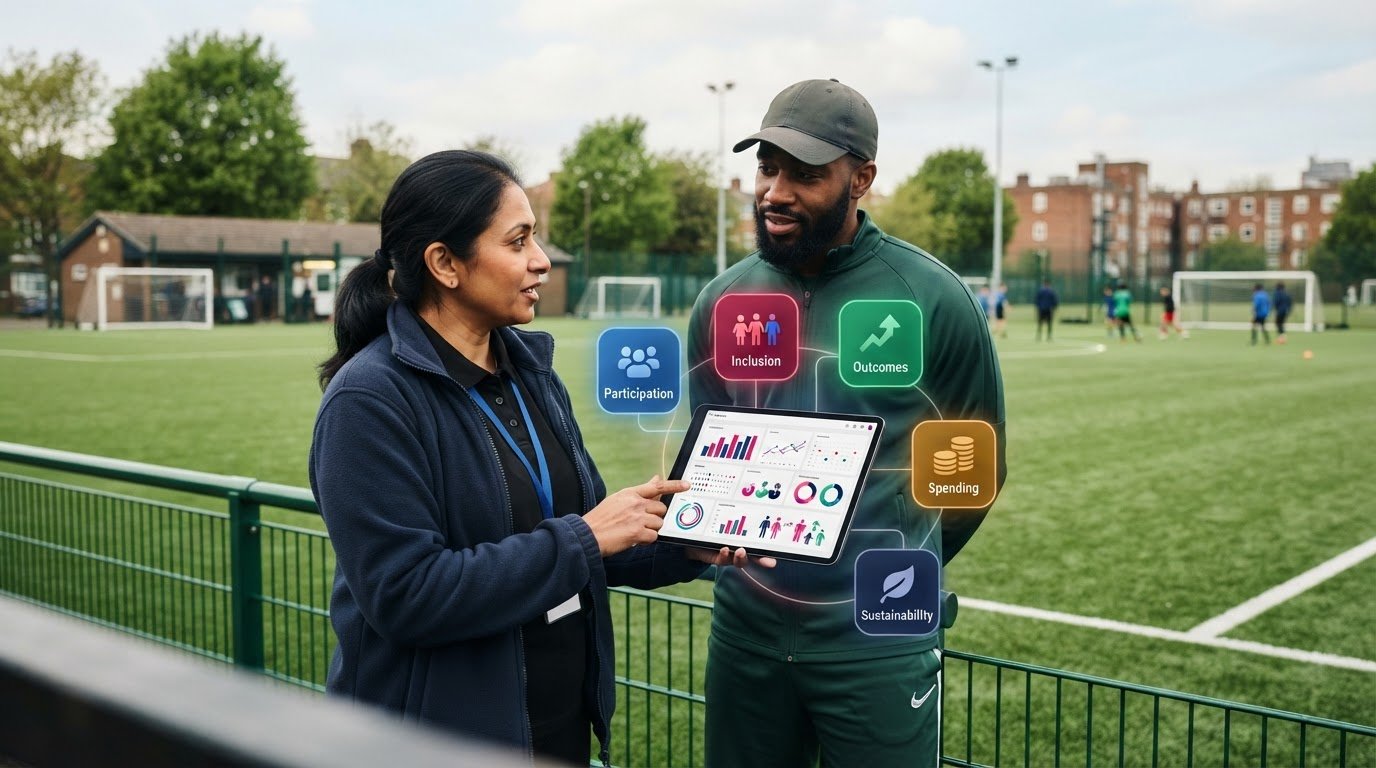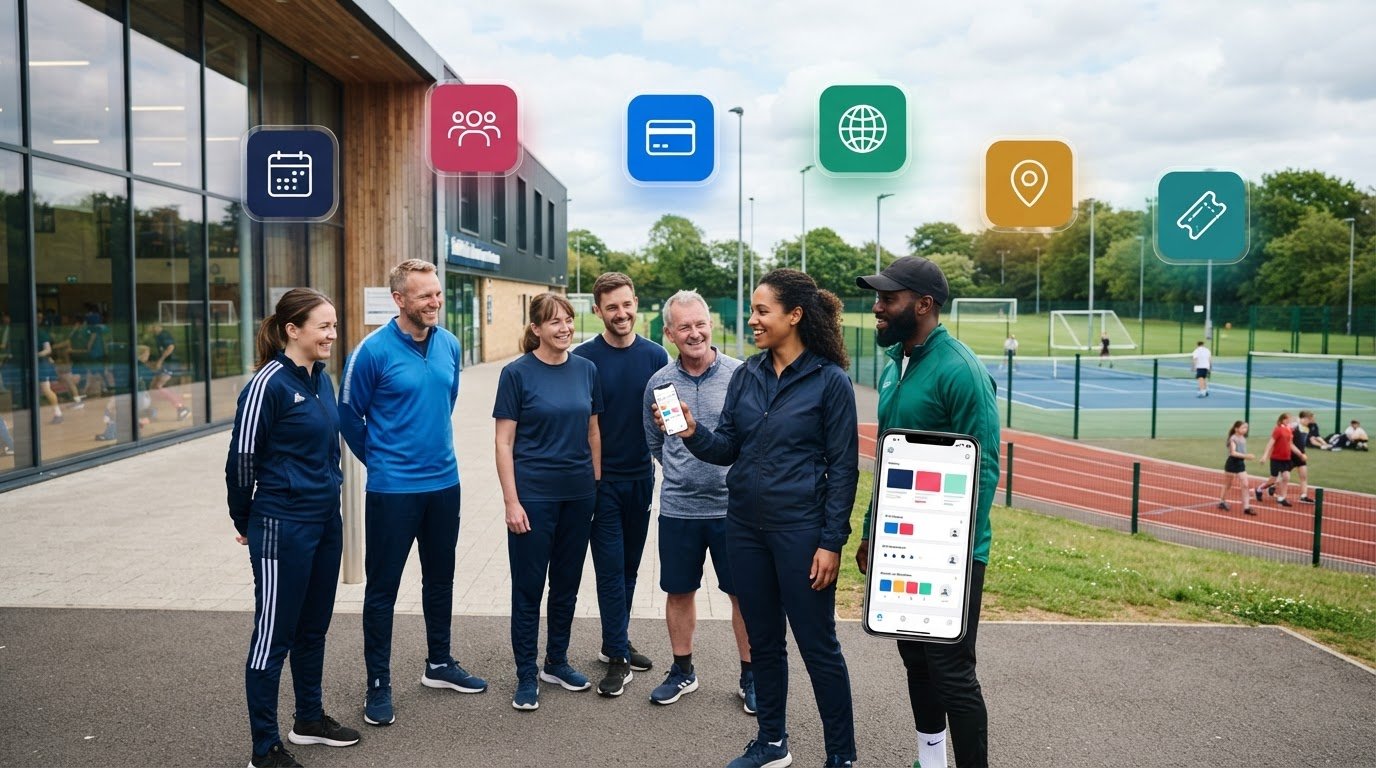

What if every online booking gave your team a clearer view of the customer and the programme they’re joining? When booking histories, participant details and payment administration sit across separate systems, staff spend valuable time joining the dots instead of focusing on delivery. A sports CRM with online booking can connect these steps, giving customers a straightforward route to register while bringing useful information together for your team.
That joined-up view matters beyond registration. It can help staff see participant and programme information in context, coordinate coaching staff and track activity through to reporting. For management teams, funders and commissioners, consistent operational data can support oversight and informed decisions.
This article explains how connected booking, customer records and programme delivery can work together, and what to assess when deciding whether this approach fits your organisation. We’ll look at the customer booking journey, the information staff need to manage sessions, courses, clubs, camps and events, and how reporting can bring day-to-day activity into view. The aim is practical: reduce time spent reconciling disconnected administration and improve oversight of the work that keeps programmes moving.
Key Takeaways
- Map where booking, customer and programme information currently sits to spot duplication and handovers.
- A sports CRM with online booking can connect registration and payment collection with participant records and programme oversight.
- Compare integrated and separate tools across customer records, bookings, payments, staffing and reporting.
- Assess your setup in practical stages: map programmes, review booking journeys, define staff roles and test key workflows.
- See how Coordinate Sport brings branded booking, participant accounts, staffing coordination and reporting into activity management.
What does a sports CRM with online booking actually connect?
A sports CRM with online booking connects customer and participant records with activity registrations, so teams can manage the booking journey alongside the information they need to organise programmes. CRM stands for Customer Relationship Management (CRM): a structured approach to managing interactions and information about customers. In a sports setting, it means treating a registration as part of a participant’s relationship with your organisation, rather than as an isolated transaction.
Disconnected spreadsheets, inboxes and booking tools can split that picture. A staff member may take a booking online, record a change in a spreadsheet and answer a follow-up by email, leaving colleagues to reconcile different versions of the details. Duplicate entry takes time, and useful context can be harder to find. A connected system brings booking and participant information together, giving staff a clearer starting point for administration and coordination.
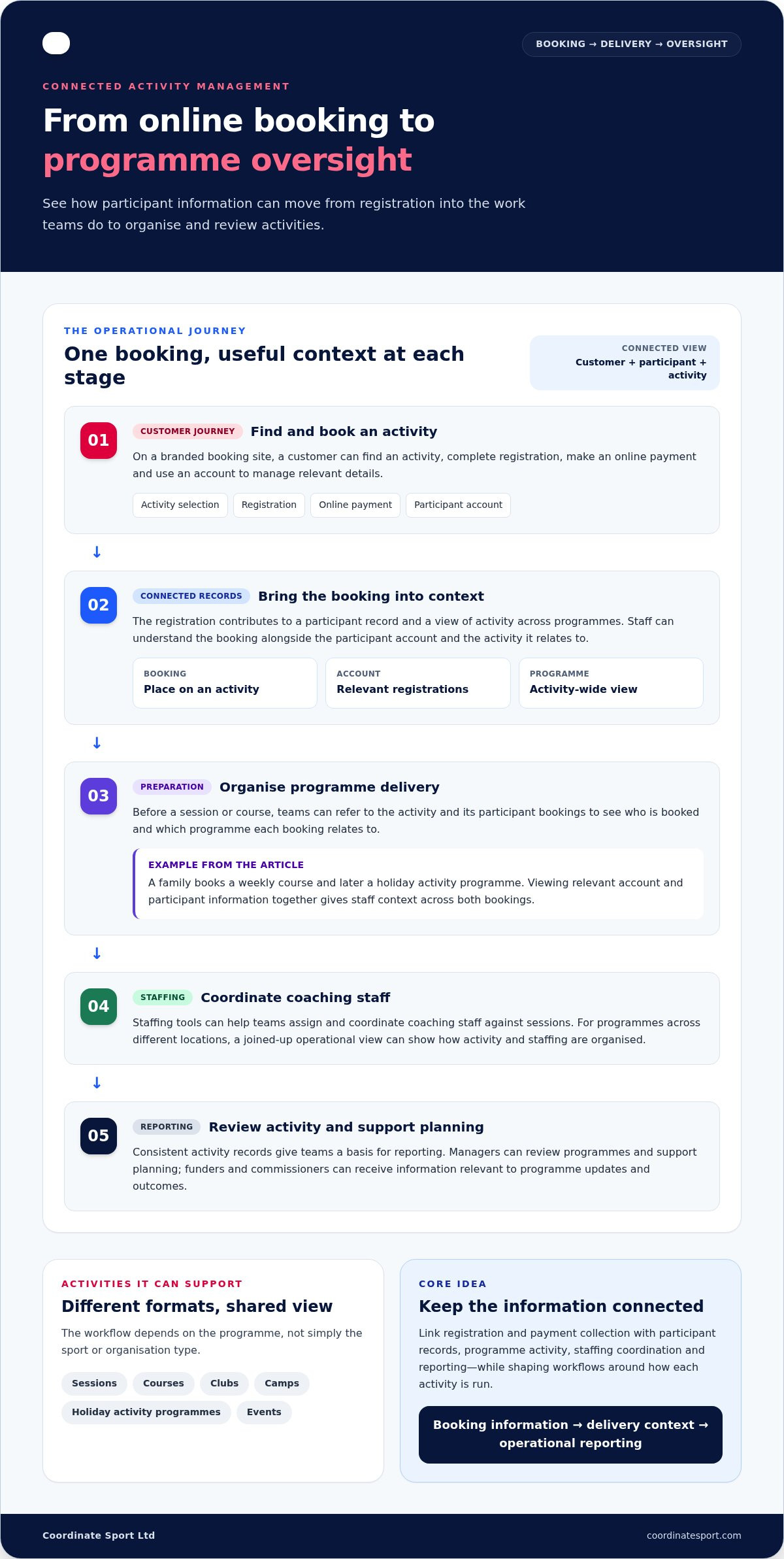
For customers, the journey can begin on a branded booking site: find an activity, complete registration, make an online payment and use an account to manage relevant details. For the organisation, the booking contributes to a participant record and a view of activity across programmes. The workflow can be shaped around how the organisation runs its activities.
How does booking information become a useful customer record?
A booking records a place on a specific activity. A customer account gives staff a wider view across registrations, rather than treating every session as a new interaction. Registration details and booking history can help teams understand which activities a participant has joined and provide useful context for administration.
For example, a family might register a child for a weekly course and later book a place on a holiday activity programme. Viewing the relevant account and participant information together gives staff more context than either booking alone. It also helps distinguish the customer managing a registration from the participant attending the activity.
Which sports and activity providers can use a connected system?
Connected booking can support organisations running sessions, courses, clubs, camps, holiday activity programmes and events. The right workflow depends on the programme, not simply on the sport or organisation type. A recurring course may need records that staff can refer to across repeated bookings, while a one-off event centres on registration and organising activity for a specific date.
Providers may run several formats side by side, each with different administration needs. Consider how each activity is promoted, booked and managed instead of assuming one identical process will suit them all. Aim for a shared view where it helps, while shaping workflows around the work staff actually do.
How does a sports CRM with online booking support programme delivery?
Booking is the start of the operational workflow, not its finish. A participant registers through a branded booking site, provides the information requested and completes payment online. The booking can then sit alongside the participant’s account, giving staff a clearer record to use as they prepare for the activity. The organisation can structure the next steps around its programmes.
Before a session or course, teams can use activity and registration information to see who is booked and which programme the booking relates to. That context helps staff organise delivery and follow up on administration without switching between separate records. For example, a programme team can refer to the relevant activity and its participant bookings when preparing, instead of piecing details together from an inbox and a spreadsheet.
What happens after a participant books online?
Registration details remain associated with the booking and participant account, so staff can understand a booking in context. Online payment collection is part of the booking journey too, helping the organisation connect a registration with the selected programme. Teams can then use their activity records to support preparation and oversight, with workflows that reflect how each programme is run.
How can staffing and reporting fit into the same operation?
Delivery also depends on having the right staffing information in view. Staffing tools can help teams assign and coordinate coaching staff against sessions, bringing staffing arrangements into the wider activity operation. For programmes running across different locations, a joined-up operational view can help managers see how activity and staffing are organised across their delivery.
Consistent activity records give teams a stronger basis for reporting. Managers can use operational data to review programmes and support planning, while funders and commissioners can receive information relevant to programme updates and outcomes. Reporting is more useful when it reflects the activity records teams work with, rather than relying on details assembled separately. For broader context on how sports teams use CRM, BizTech Magazine explores CRM applications in sports organisations.
Consistent activity records can make programme reporting clearer by connecting delivery information with the work teams organise. A sports CRM with online booking can bring branded registration, participant accounts, payment collection, staffing coordination and reporting into a connected activity workflow. Learn more about sports activity management software.
Integrated sports CRM vs separate booking tools: what should you compare?
Compare how information moves through your organisation, not just which features appear on a product list. A general booking tool may suit simpler, appointment-led activity, particularly if registrations are straightforward and reporting needs are limited. If you manage several programme types, staff assignments and reporting responsibilities, consider how well bookings connect with participant records and wider activity operations.
The table highlights the differences to assess. Separate systems can work well when handovers are clear, but they may require staff to transfer or reconcile information between tools.
| Area | Integrated sports CRM | Separate booking tools |
|---|---|---|
| Customer records | Bookings and participant information can be viewed together. | Customer details may need to be copied or matched across systems. |
| Activity booking | Bookings sit within the wider programme and activity workflow. | A booking tool may handle registration well, with activity information managed elsewhere. |
| Payments | Payment collection can be part of the booking and registration journey. | Payment details or status may need a separate process or reconciliation. |
| Staffing | Staff coordination can sit alongside activity information where relevant. | Session assignments may be managed in another tool or through manual handovers. |
| Reporting | Operational information can support management and programme reporting. | Teams may need to bring data together from different sources. |
When can separate booking and CRM tools create extra work?
Friction can arise when the same participant details are entered more than once, records differ between systems, or staff have to pass updates manually. These issues can become more noticeable when an organisation runs a mix of recurring courses, clubs and one-off events, each with different registration and delivery requirements. Separate tools are not automatically a poor fit. The key is whether their handovers are manageable for your team.
What capabilities matter for a sports activity provider?
Start with the customer journey: can people find activities through a branded booking site, register, use participant accounts and pay online? Then consider the work behind each booking. Do staff need to coordinate coaching assignments or oversee delivery across locations? What information do managers, funders or commissioners need in reports?
A sports CRM with online booking is most relevant when connected records and workflows address real coordination needs. Match the system to your programme mix, team roles and reporting responsibilities. A simpler booking arrangement may be sufficient if it supports your operation without creating unnecessary handovers.
How to assess and introduce sports CRM with online booking
A successful introduction starts with your operating model, not a software checklist. Map how activities are planned, booked, staffed and reported today, then identify where information is repeated or passed between people. This gives your team a practical basis for assessing a sports CRM software checklist and introducing it in manageable stages.
Which workflows should your team map before rollout?
Document the programmes you run, from recurring sessions and courses to clubs, camps, holiday activity programmes and one-off events. For each, trace the customer journey and internal handovers:
- Registration: What stages does a customer complete, and what participant information does the team need?
- Payments: How are fees collected, and how are payment details or status recorded?
- Staffing: Who assigns and coordinates staff for each activity?
- Reporting: Who prepares programme updates, and what information do managers, funders or commissioners need?
Note who owns bookings, customer queries and programme records at each stage. Include seasonal peaks and different locations if they affect the process. This reveals which workflows can share a common approach and where a programme needs its own steps.
How can teams support adoption and improve processes?
Set clear ownership for setup, staff guidance and routine checks of activity information. Then test the proposed workflow with a representative programme before expanding it. Follow one booking from customer registration through payment and staff coordination to internal reporting. Involve the people who handle each step, as they can spot missed handovers and unclear responsibilities early.
Use the pilot to check whether records are useful to staff and the customer journey is clear. Gather feedback, refine the process and review it again as programme requirements change. A staged approach gives the team room to address practical issues before bringing more activities into the system.
Once your workflows and rollout priorities are clear, explore Coordinate Sport and its connected booking and activity management capabilities.
How Coordinate Sport connects CRM, online booking and activity management
Coordinate Sport brings customer and participant administration together with booking and wider activity management for sports and activity organisations. The platform connects the customer-facing booking journey with tools teams use to organise and oversee delivery. For organisations assessing a sports CRM with online booking, the important question is how booking, participant information, staffing and reporting work together in practice.
Which parts of the platform support customer booking and administration?
Customers can book and register for sessions, courses, clubs, camps, holiday activity programmes and events through branded booking portals. These give organisations a branded route for customers to find activities and complete registration. Participant accounts bring relevant information together beyond an individual booking, while online payment collection supports the registration journey.
This combination supports both sides of administration: customers can book online, and staff can work with participant and booking information. The steps can reflect the activities an organisation runs, whether it is managing recurring courses, club registrations or a programme of events.
How can activity management support wider oversight?
Booking is one part of delivery. Coordinate Sport’s specialised staffing application helps teams assign and coordinate coaching staff against sessions, alongside the activity information used to organise programmes. This gives operational teams a way to view staffing arrangements as part of their wider activity responsibilities, rather than managing those tasks separately from programme administration.
Reporting tools provide a wider view for management teams, funders and commissioners. Teams can use programme data to support internal oversight and provide relevant information for reporting. Together, booking, participant accounts, payment collection, staffing coordination and reporting connect customer administration to the work of running activities. Each capability has a practical role, and its value depends on how it supports the organisation’s programmes and responsibilities.
Use the workflows mapped in the previous section to assess how these capabilities align with your programmes, team roles and reporting needs. Explore Coordinate Sport’s platform.
Build a clearer path from booking to delivery
A well-chosen sports CRM with online booking connects the customer journey with the operational work behind each programme. Assess how bookings, participant information, staffing and reporting need to work together, then test the workflow against the activities your organisation runs.
Coordinate Sport brings branded booking portals, participant accounts and online payment collection together with staffing coordination designed for sports activity providers. Reporting can provide management teams, funders and commissioners with information about programme delivery. These capabilities make booking part of a wider activity management approach, rather than an isolated transaction.
Start with your current handovers and priorities. Identify where a connected view could help your team organise delivery and report more clearly, then explore how the platform aligns with those needs. Explore Coordinate Sport’s sports management platform to see how its booking, staffing and activity management tools can support your operation.
Frequently Asked Questions
What is a sports CRM with online booking?
A sports CRM with online booking brings customer or participant records together with online activity registration and bookings. Depending on the platform, it may also connect payment collection, programme administration, staffing and reporting. For sports providers, this helps staff see how customer bookings relate to activities and delivery, rather than managing each part in isolation. The aim is a clearer operational view, not a guarantee of business growth.
Can a sports CRM manage bookings for camps, courses and events?
Yes. A platform designed for sports and activity providers can support sessions, courses, clubs, camps, holiday activity programmes and events. It can give teams a consistent place to manage registrations and participant information across different activity formats. Before adopting a system, map the booking steps and information each programme needs. A recurring course and a one-off event may involve different administration, so workflows should reflect how each activity is run.
How does online booking connect with participant management?
Online registration captures information as a customer or participant books an activity. When the booking is associated with an account and booking history, staff can refer to relevant records while preparing and managing programmes. For example, a provider can view a participant’s registrations in context rather than relying on separate lists for each activity. Teams still need clear processes for keeping records accurate and handling participant information appropriately.
Is a sports CRM better than using a general booking system?
It depends on your organisation’s needs. A general booking tool may suit a straightforward appointment or session schedule. If your team manages different activity types, participant records, staffing and reporting, a sports CRM may better support those connected workflows. Compare the tasks staff handle, the information they need and any handovers between tools. The right fit is the system that supports your actual programmes without adding unnecessary complexity.
Can sports booking software collect payments online?
Yes. Some sports activity platforms include online payment collection alongside booking and registration. This can bring a customer’s payment and booking steps into a more coherent process for the organisation. Consider how payment information appears in operational records and reporting, and whether the process suits your activities. Payment features and arrangements vary between platforms, so assess the specific workflow rather than assuming every system handles payments in the same way.
How do I introduce a sports CRM without disrupting current programmes?
Start by mapping your activities, registration steps, staff responsibilities and reporting needs. Choose representative programmes to test, then follow a booking from customer registration through payment and staffing to reporting. Involve the people who manage each step, give them clear ownership and guidance, and review their practical feedback. A staged rollout lets your team refine workflows and build familiarity while maintaining oversight of active programmes.